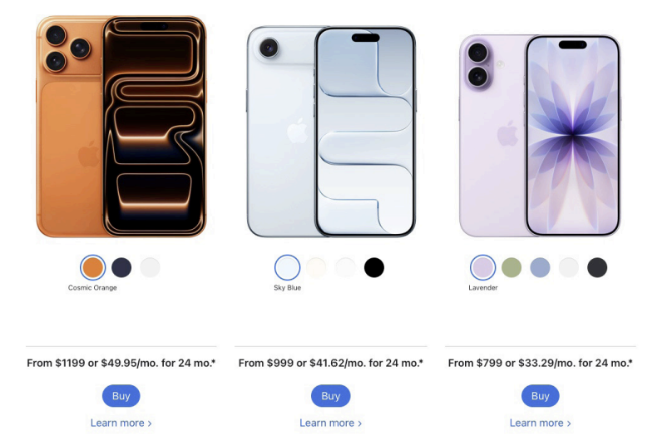
iOS 26, Apple’s latest operating system update, brought on a new set of changes and critical opinions with its debut at the end of 2025. The update is compatible with iPhone models 11 and up, and incorporates more artificial intelligence as well as visual design changes.
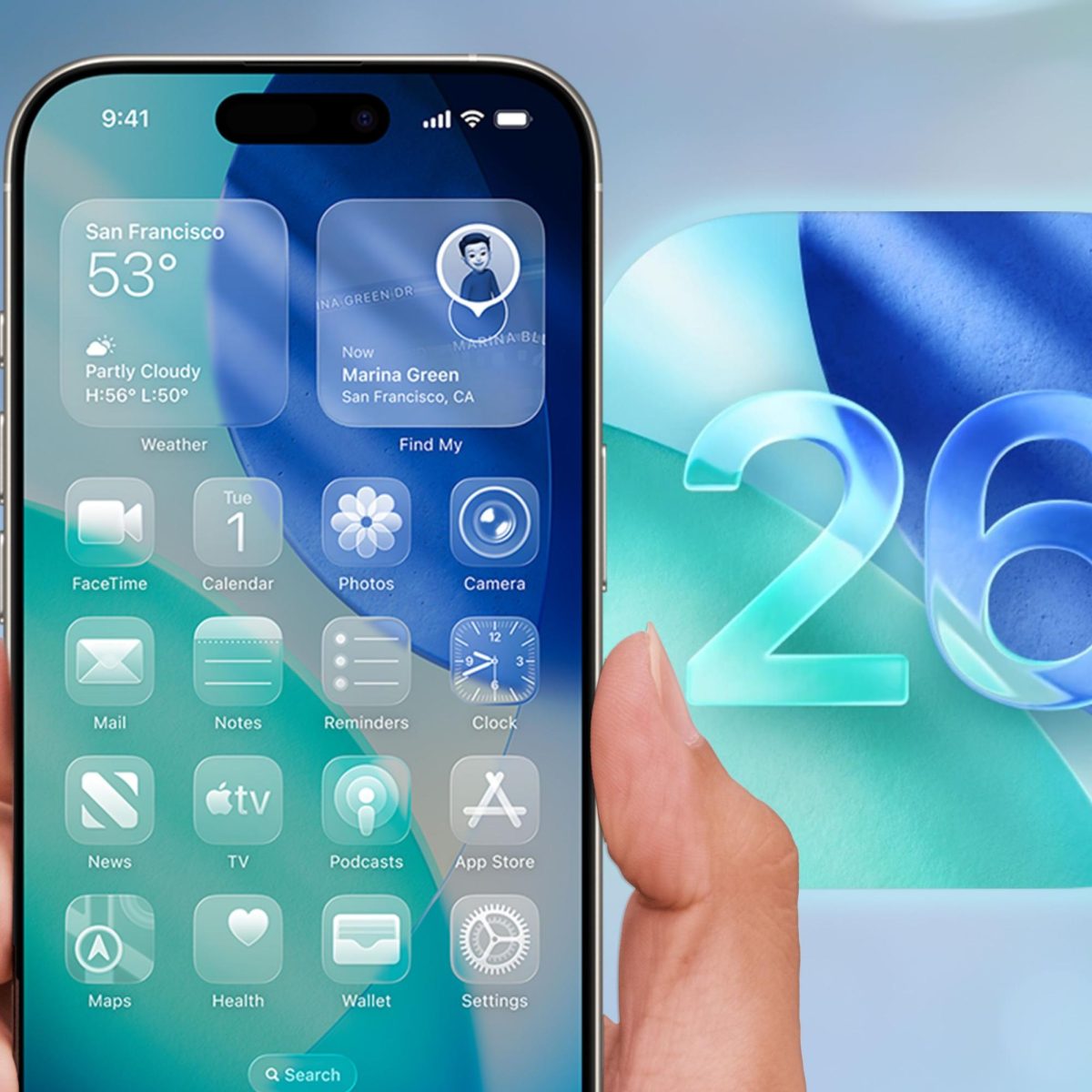
One main feature is the “Liquid Glass” design, which alters the appearance of app icons to look transparent and glasslike. Version 26.2 offers the options Clear and Tinted for a more frosted look. Apple Intelligence has also been integrated to an even higher degree, which some users have noticed in apps like Apple Music, where songs are now blended into the following song despite different paces or genres.
Visual Intelligence specifically offers the ability to “jump into Google search results based on the content on your screen, find related items from your most-used third-party apps, or ask ChatGPT about what you’re looking at,” while Live Translation can translate incoming texts, create live translated captions in FaceTime, and audio translation in real time for both phone calls and through AirPods. The Photos app also has new separation of folders between Library and Collections, and the Phone app has improved ability to screen unknown numbers.
Union students aren’t convinced by these supposed improvements. “I dislike it strongly, and one of the first things I did was turn on reduced transparency in the accessibility settings, as the translucence was very offputting to me and made things feel laggy,” explains Elliott Mack ‘29, who delayed installing the update as long as possible. Mack adds, “I haven’t made much note of AI usage, as I at no point consensually use AI,” but overall, “the update generally felt unnecessary, nobody asked for it, and it has no utility or benefit other than a push for this minimalistic or ‘clean’ aesthetic that doesn’t actually matter.”
Khadija Sankara ‘29 expresses a similar feeling, noting, “I think the update is quite useless and unnecessary.” While she hasn’t noticed increased AI use yet, “no problems were really solved, and the old look was way better.”
“I’m not someone who uses my phone very often, but I noticed several issues with the update pretty quickly,” reports Caleb Kirshenbaum ‘29. “The biggest thing I noticed was the screen warping effects. I think it’s meant to simulate light bending through glass, but I find it to be both ugly and highly distracting.” This effect can be seen by swiping down from the top of the screen slowly, as well as swiping up from the bottom, which causes icons to warp and jiggle as they move.
Kirshenbaum elaborates, “Default app icons have changed, the interfaces and sometimes menus of those apps are different, and the only thing I can think is ‘why?’ It feels like things were changed for the sake of changing them. I try to use my phone as little as possible, and I don’t need weird screen effects distracting me.” Overall, “the new UI is disorienting, ugly, and most of all unnecessary. It feels like it’s there to look new and shiny, not like it’s there to make the product better in any substantive way.”
Multiple students haven’t even been able to download the new update because of the hefty 16-20 GB it requires, storage that a lot of phones don’t have the room for. Apple Intelligence especially takes up a significant amount of storage at 7 GB total. Based on current consensus, the iOS 26 update might offer more unnecessary visuals and less actual improvement than it should for the space it requires.